What a Remote-First Company Taught Me That No Business School Ever Could
Remote work culture is not built by tools, policies, or perks. It is built by trust — extended before it is earned, maintained through transparency, and expressed in the belief that people do their best work when they are treated as adults. I learned this not from reading about it, but from working inside one of the companies that figured it out long before most of the world was forced to. This is what I took with me.
Before I founded Creative Dash, I spent time as a Customer Support Manager at MailerLite — a company that was building a genuinely different kind of workplace long before remote work became a global necessity.
Most companies discovered remote work in 2020. MailerLite had been doing it deliberately since 2014, when they made their first remote hire and began building what would become one of the most thoughtfully constructed distributed team cultures in the SaaS world. By the time I joined, the culture was not a set of policies on an HR page. It was the actual lived experience of how the company operated every day.
What I observed there changed how I think about work, teams, and operational culture permanently. And it helped shape how I built Creative Dash.
Where it started — a book and a philosophy
MailerLite’s approach to remote work did not emerge from necessity or accident. It was deliberate and philosophical — shaped in part by Remote: Office Not Required, written by Jason Fried and David Heinemeier Hansson, the founders of Basecamp.
The book’s central argument is simple and radical in equal measure: the office is not where work happens. Work happens where talented, trusted people choose to do it. Restricting your team to one physical location does not make the work better — it makes the talent pool smaller, the overhead larger, and the assumption about how people should be managed considerably more condescending than most companies admit.
Jason Fried and David Heinemeier Hansson argued something that sounds obvious once you hear it and is still resisted by most organisations: “Either learn to trust the people you’re working with, or find some other people to work with.”
MailerLite took that idea and built a company around it. What started as a small Lithuanian startup with no venture capital and no Silicon Valley address grew into a global email marketing platform used by over a million businesses. Remote work was not the footnote to that story. It was the spine of it.
What does remote work culture actually mean — and why do most companies get it wrong?
Remote work culture is not built by tools or policies. It is built by trust — extended unconditionally from day one, not earned incrementally over time. Companies that treat trust as a reward produce employees who manage appearances. Companies that treat trust as a starting position produce employees who manage outcomes.
Before I joined MailerLite, I had heard the word “culture” used primarily as a recruitment tool. Companies listed their values on careers pages and described their cultures as “collaborative,” “innovative,” and “people-first” — language that meant almost nothing because it described what every company wanted to be, not what they actually were.
MailerLite was different. Their values were not aspirational marketing copy. They were operational standards — developed deliberately by founders who looked inward rather than borrowing from what other companies were doing. What emerged were values that reflected how the company actually worked and what it actually believed.
The one that struck me most was the idea of trust as a foundation rather than a reward. Most companies extend trust incrementally — you earn it over time by demonstrating you deserve it. At MailerLite, trust was the starting position. You were given ownership of your work, autonomy over how you did it, and the expectation that you would deliver — not because someone was watching, but because you were a professional who wanted to do good work.
When trust is conditional, people learn to look trustworthy.
They respond to messages before they have anything useful to say. They attend meetings they have nothing to contribute to. They stay visible because visibility is the currency — not the work itself.
When trust is unconditional, all of that falls away. Nobody is performing for an audience that is not watching. The only question left is whether the work is good.
That is not a subtle shift. It is the difference between a team that is managed and a team that manages itself.
Why do the best remote teams communicate less in real time — not more?
Async-first communication — where most interaction happens in writing, at a time that suits the recipient rather than the sender — is not a logistical compromise for distributed teams. It is a deliberate act of respect for deep work. The best remote teams protect uninterrupted time as a first principle, not an afterthought.
One of the most important operational principles at MailerLite was async-first communication. Meetings were rare, short, and purposeful. The expectation was that most communication would happen in writing, at a time that worked for the person receiving it, rather than at a time that suited the person sending it.
At the time, I was used to workplaces where communication meant real-time interaction — messages that expected immediate responses, meetings that broke up the working day, a constant background noise of requests that made sustained, focused work nearly impossible.
What I encountered at MailerLite was the opposite. The async-first approach was not a limitation imposed by time zones — although serving a globally distributed team of people across 40+ countries made it necessary. It was a philosophical position about what deep work requires, and what respect for a colleague’s time actually looks like.
The Remote book makes this case clearly: meetings should be like salt — used sparingly to enhance the work, not poured over every conversation. MailerLite lived this principle — minimal meetings, maximum written communication, and a culture where producing thoughtful responses was valued over producing immediate ones.
Every unnecessary meeting, every interruption that demands an immediate response, every tool that creates the expectation of real-time availability is a tax on deep work. The best remote teams treat async communication not as a compromise but as a deliberate choice that produces better thinking.
I built Creative Dash’s weekly reporting structure around this. Our clients do not need us in their inbox every day. They need one structured update on Friday that tells them everything that matters. That is respect for their time expressed as a system.
How do you build genuine human connection in a fully distributed team?
Remote work does not eliminate the need for human connection. It makes that connection more deliberate. The teams that sustain genuine culture across distance are the ones that invest intentionally in in-person moments — not to make up for the absence of an office, but because those moments do something digital communication structurally cannot.
The most common fear about remote work is the one that is hardest to dismiss: without physical proximity, culture dies. The casual conversations, the spontaneous connections, the human texture of working alongside people in the same room — these things matter, and they do not survive a Slack message.
MailerLite took this seriously. Their answer was not to pretend that digital tools could replicate in-person connection. It was to be intentional about creating human connection in ways that remote work actually allows.
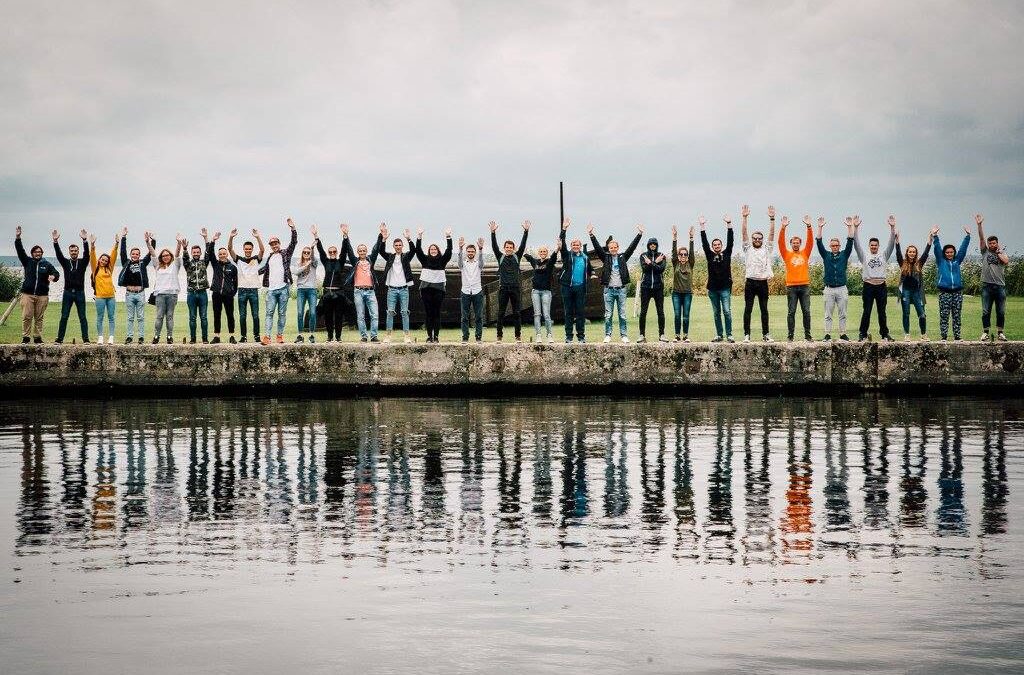
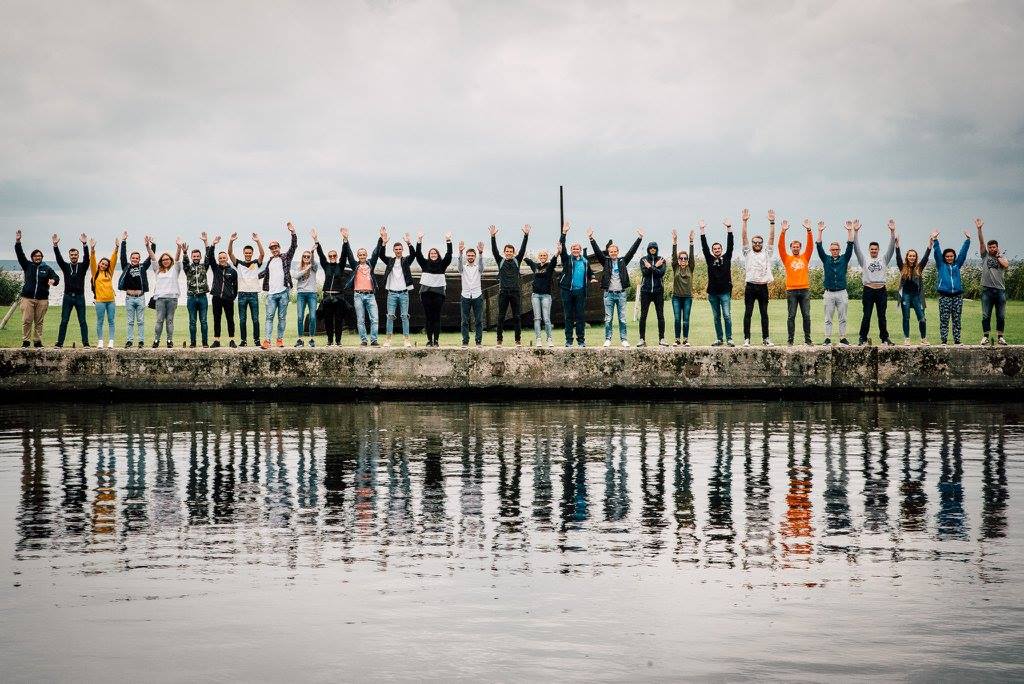
The centerpiece of this was the annual workations — a company-wide retreat where the entire globally distributed team met in person, in a different location each year. Not a corporate conference. Not a mandatory team-building exercise. A genuine opportunity for people who worked together across screens and time zones to exist in the same physical space, share meals, have conversations that had nothing to do with work, and remember that the person on the other side of the Slack thread is a human being with a full life.
What these gatherings revealed — every time — was that the people you trust most in a remote setting are the people you have actually sat across from. Not because the in-person experience changes who they are. Because it confirms it.
Remote work does not mean isolated work. It means work that requires even more deliberate investment in the human relationships underneath it — because those relationships do not form accidentally in a remote setting. They have to be chosen.
Can a flat hierarchy actually work in a remote company — or is it just chaos?
Flat hierarchy in a remote company is not chaos. It is what happens when you combine clear values, genuine trust, and people who are hired specifically for their ability to self-direct. Hierarchy is a substitute for trust. When trust is built into the culture, you need far less of it.
One of the things I noticed working inside MailerLite was the flatness of the structure. Not flat in a performative, everyone-is-equal-regardless-of-experience way. Flat in the sense that good ideas were not held hostage by seniority, that anyone could raise a concern or propose an approach, and that the people closest to the work were trusted to make decisions about the work.
This is harder to maintain than it sounds — especially as a company grows. The default tendency in scaling organisations is toward hierarchy, because hierarchy feels like control and control feels like safety. What MailerLite demonstrated was that hierarchy is a substitute for trust, and when you have genuine trust embedded in the culture, you need far less of it to get things done.
The Remote book makes a related point: in remote settings, you can no longer manage the chairs. Managers who relied on physical presence as a proxy for oversight — seeing who arrived early, who stayed late, who looked busy — lose that crutch entirely. What remains is the work itself. Remote work, done well, forces a higher quality of management because superficial management becomes immediately visible as useless.
The teams that function best — remote or otherwise — are the ones where every person understands what success looks like, has the autonomy to pursue it, and trusts the people around them to do the same. Management’s job is to create and protect that environment. Not to monitor it.
What is the single most important thing a remote company can do when hiring?
The most important hiring criterion for a remote team is self-direction — the ability to determine what needs doing, do it without being told, and raise a problem before it becomes a crisis. This quality cannot be trained into someone after hiring. It has to be selected for during it.
This is the lesson that underpins everything else — and the one most directly applicable to how I built Creative Dash.
Basecamp’s operating philosophy includes the concept of the manager of one — someone who can set their own direction when one is not given, determine what needs to be done, and do it without waiting to be told. Their argument is that remote work exposes the mismatch between this kind of person and the kind of person who needs external accountability to perform.
MailerLite applied this principle rigorously. Their hiring process was not just about skills — it was about self-awareness, ownership, and the ability to thrive in an environment where nobody is looking over your shoulder. The culture they built was only possible because the people in it were the right people for it.
When I founded Creative Dash, this lesson became operational policy. Every specialist on our team is evaluated not just for technical capability but for the quality of their self-direction. Can they own an outcome without being managed toward it? Can they raise a problem before it becomes a crisis? Can they communicate proactively rather than waiting to be asked?
These are not soft skills. They are the difference between a team that functions without supervision and a team that requires it. And for an Operations Partner whose entire value proposition is that the client should not have to manage the people managing their business — they are non-negotiable.
What I built with what I learned
The Creative Dash model — one dedicated Project Manager, a team of trained specialists, a weekly report, zero daily management required from the client — is a direct expression of what I learned at MailerLite about how effective remote teams actually work.
Trust extended upfront, not earned incrementally. Communication that respects the recipient’s time. A structure that keeps human connection deliberate. A flat enough hierarchy that the people closest to the work can make good decisions about it. And a hiring standard that means every person on the team can be a manager of one — accountable to outcomes, not to observation.
MailerLite proved that you do not need a physical office, a venture-funded budget, or a Silicon Valley address to build a world-class team and a world-class product. You need the right people, the right values, the right trust, and the courage to believe that work is about what gets done — not where you were sitting when you did it.
That belief runs through everything Creative Dash does.
Further reading:
Remote: Office Not Required by Jason Fried and David Heinemeier Hansson — the original case for distributed work, still the clearest articulation of why the office is not where the best work happens.
Leaving the Base Camp by Ilma Tiki — MailerLite’s co-founder’s account of how a Lithuanian startup pioneered remote work and built a global team. Worth reading if you are building an expert-led business.